








Risk and Compliance
Assurance logs and forms for independent schools
Assurance logs that hold up when someone asks to see the record
Critical incidents, WHS events, near-misses and routine assurance checks each get a register shaped to your school, with a history no one can quietly rewrite.
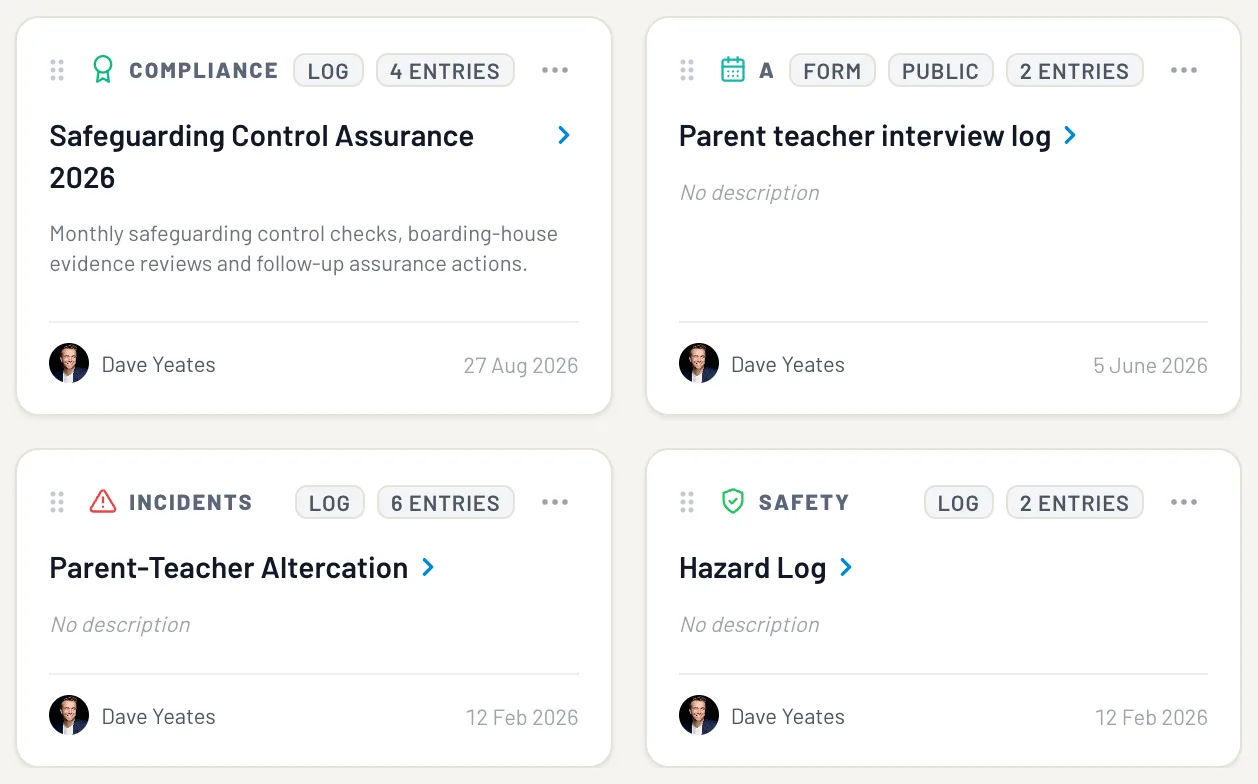
EthosOne's Assurance Logs module gives independent schools configurable evidence logs and forms.
Critical incidents, WHS events, near-misses, injuries and routine assurance checks can each have their own register, and a public form on any log lets parents, contractors or visitors submit without seeing internal records.

What we keep hearing
It is 3:05 and a Year 7 has gone to hospital from the science lab. The deputy is typing it into the spreadsheet on his laptop, the parent is on the phone at reception, and by tomorrow the chair will want to know what happened, in what order, and whether anyone changed the entry afterwards. Somewhere in that afternoon, the record still has to hold.
This is the room where it does, with every edit signed and timed.
Capture the evidence where the work happens.
An assurance log is a governed record of checks, incidents, attestations and other evidence-producing activity. It should show what occurred, who recorded it, who owns the response and what happened next.
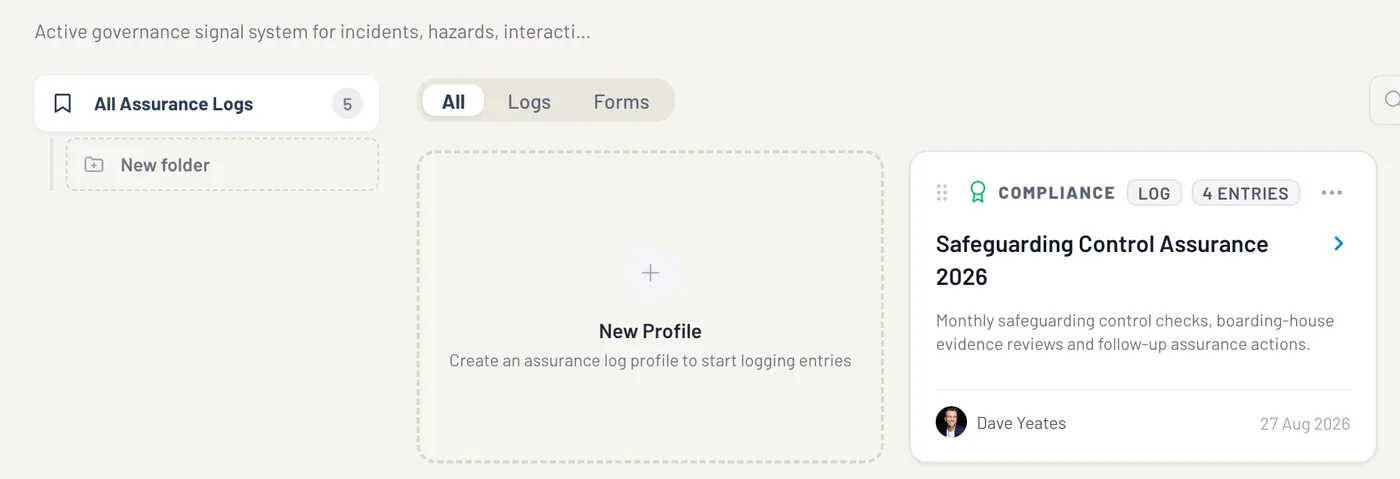
Nine views, one picture. Each one reads from the same live records.
 01
01Logs catalogue
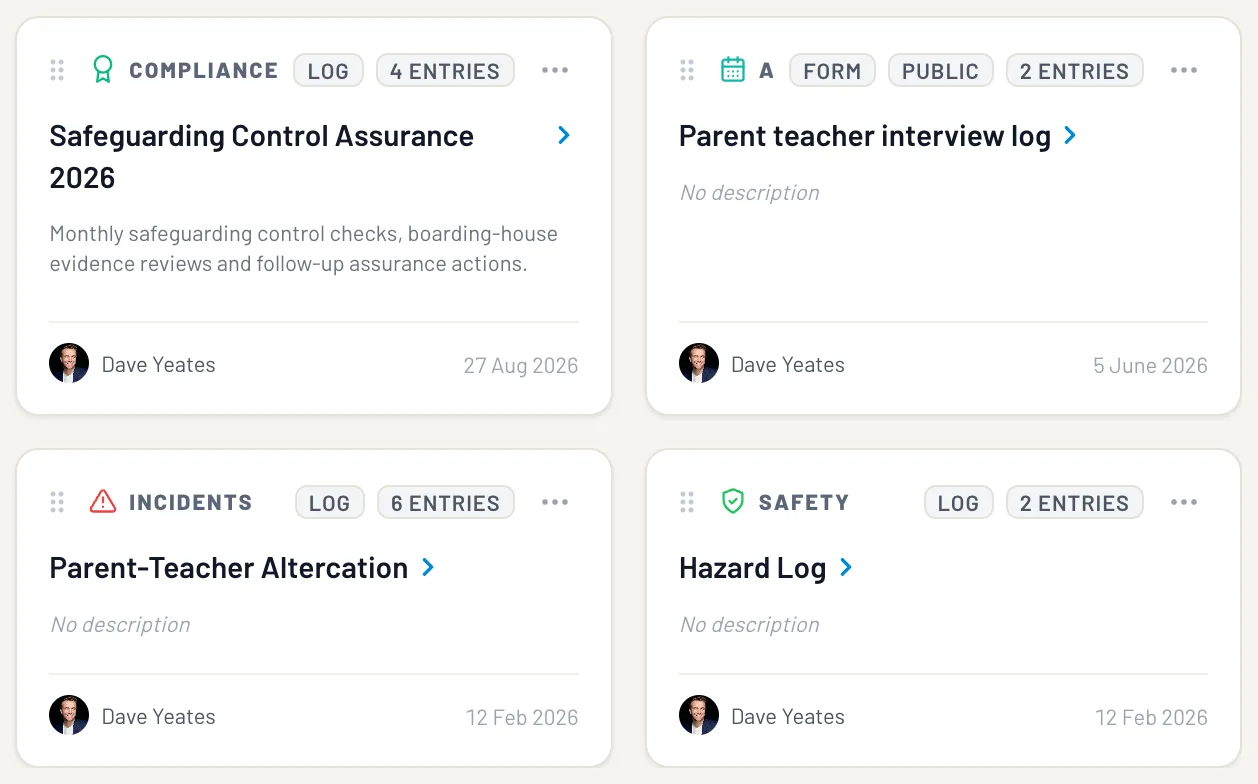
Every log profile sits in one catalogue with its name, icon, purpose, mode and scope visible. Search, open or choose Create New Log; at group altitude the same module appears as Logs.
 02
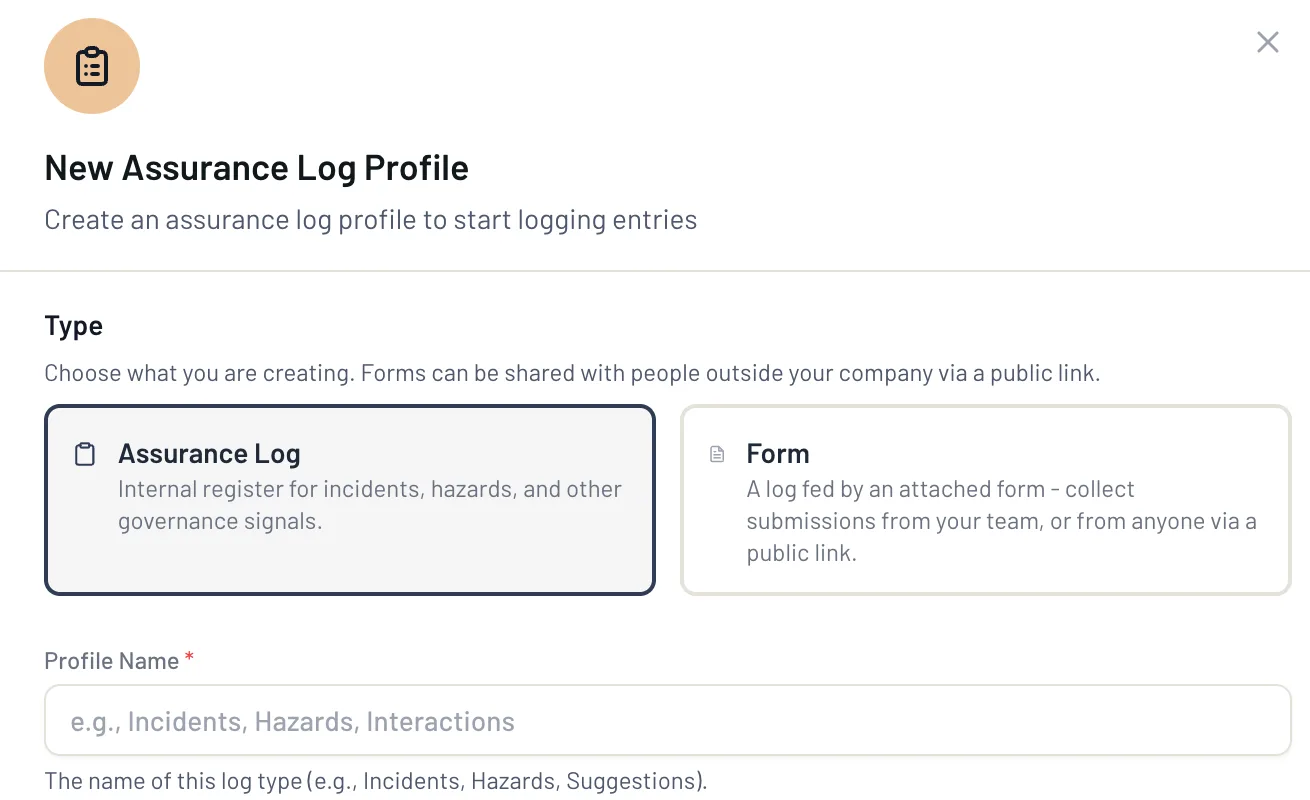
02Create a log profile
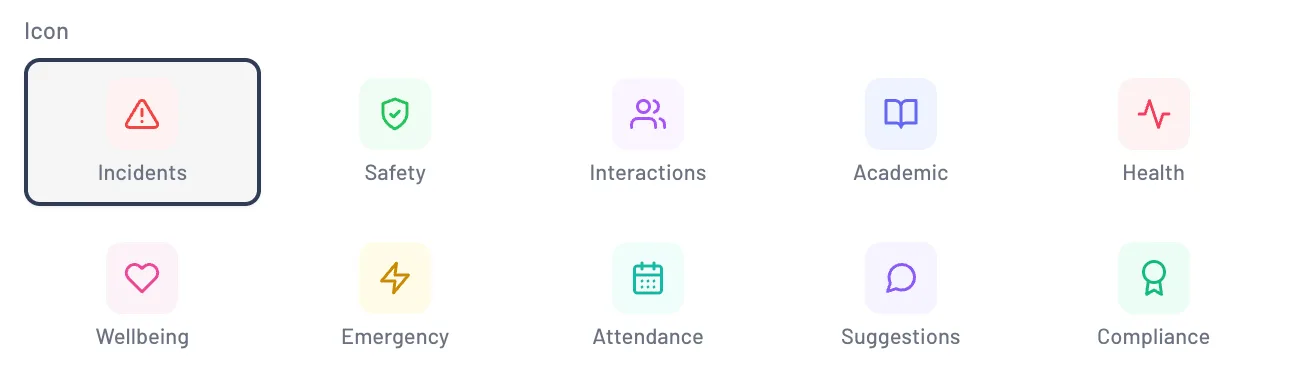
A new register starts as a profile: its name, what belongs in it, an icon, and whether staff log into it or the public submits through a form.
 03
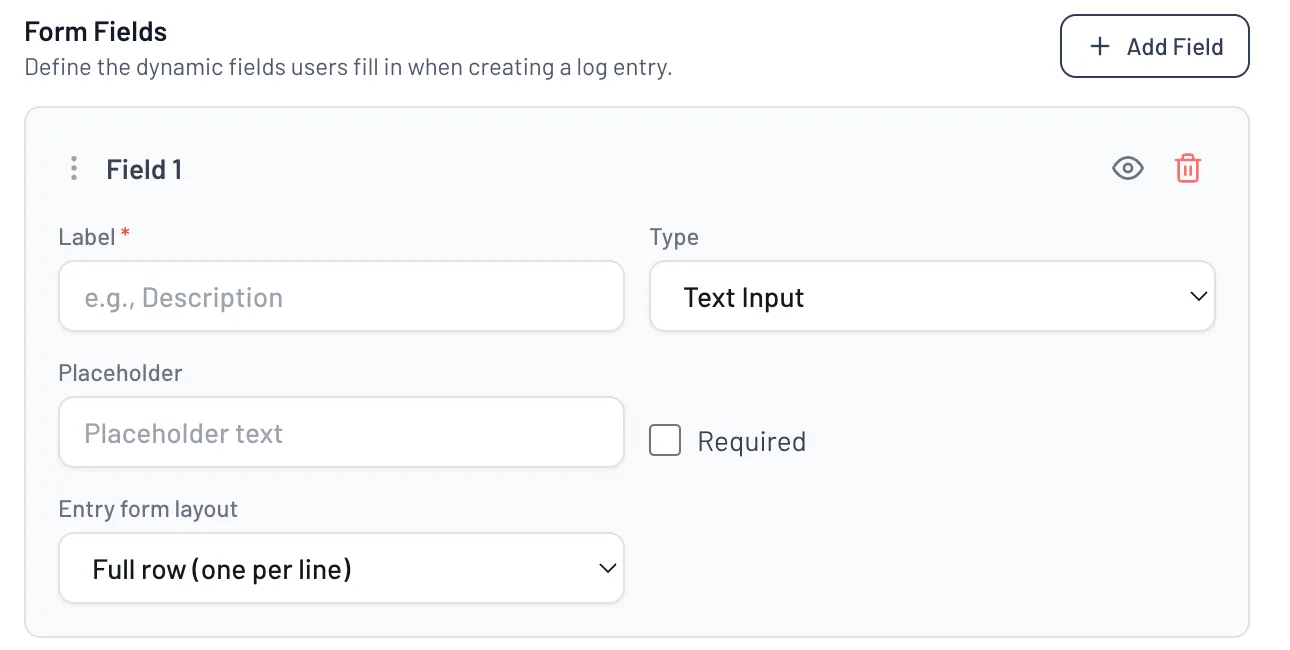
03Dynamic fields
Add a field, set its type and label, mark it required or optional, give a dropdown its options, reorder and activate. A later change to an active schema creates a new version, and historical entries stay bound to the schema they were captured under.
 04
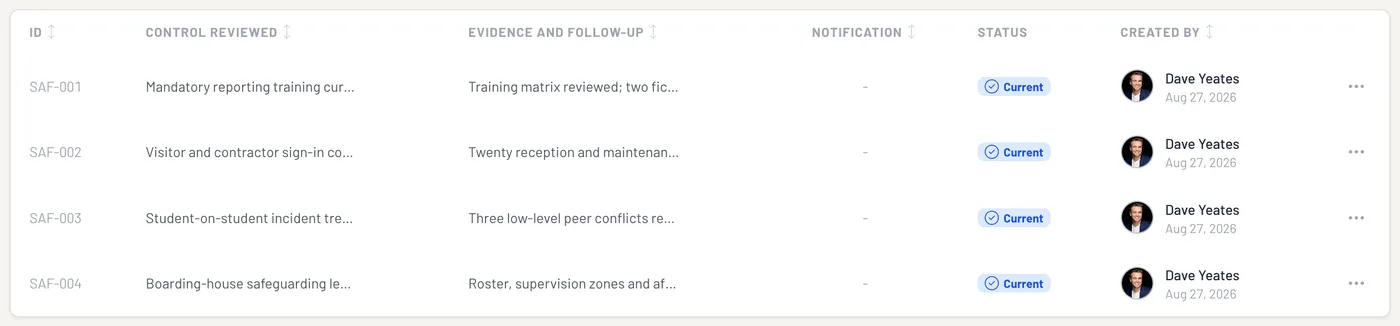
04Profile detail
Open a log and its entries sit in one table, each with its own identifier, the evidence and follow-up recorded against it, a status and who created it, with History and Deleted beside them.
 05
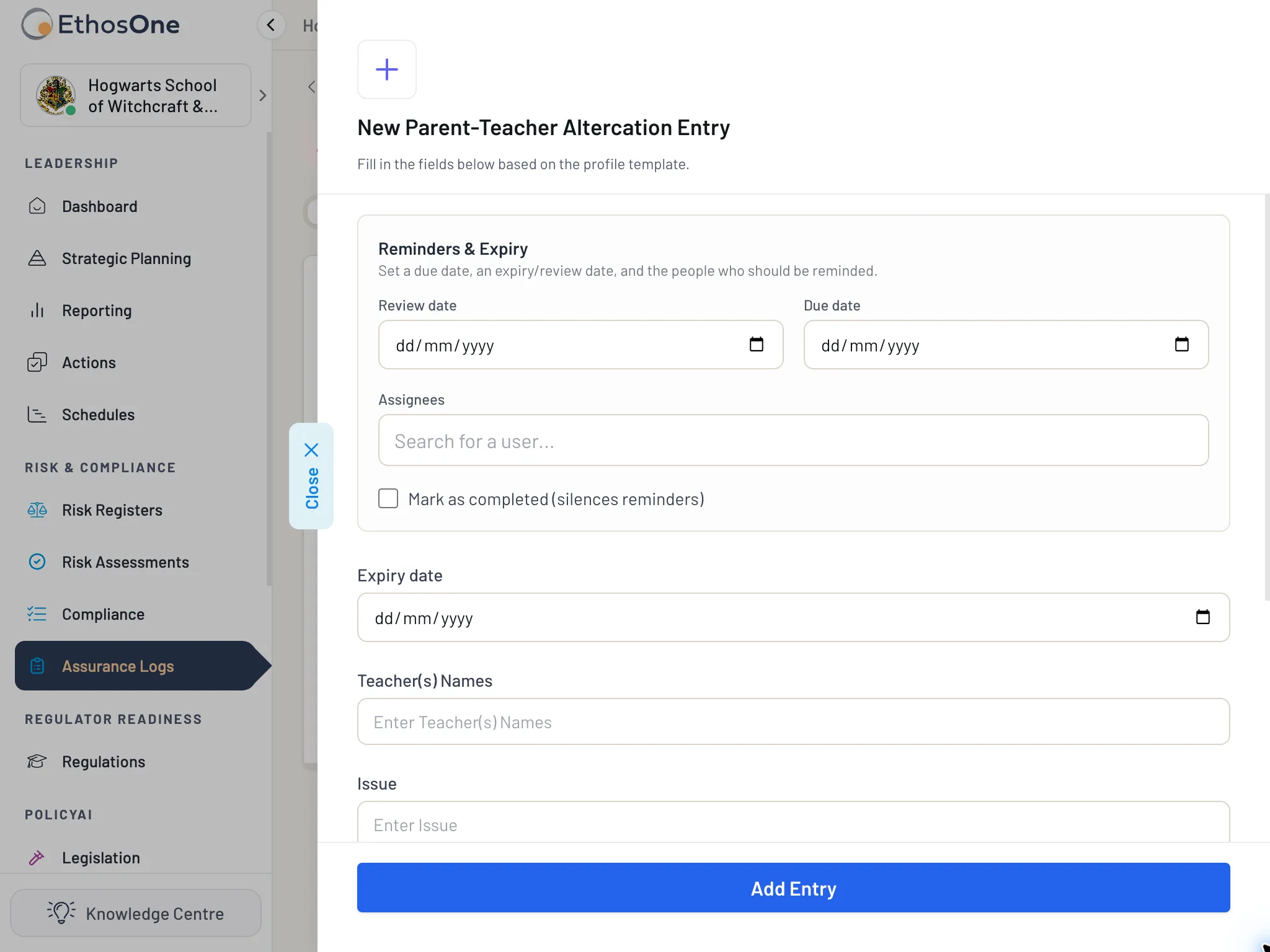
05Add or edit an entry
Typed controls, validation and attachments where the schema allows. Add Entry stays unavailable until every required field is complete; on submit one profile-derived identifier is allocated, all values persist atomically and a creation event is written.
 06
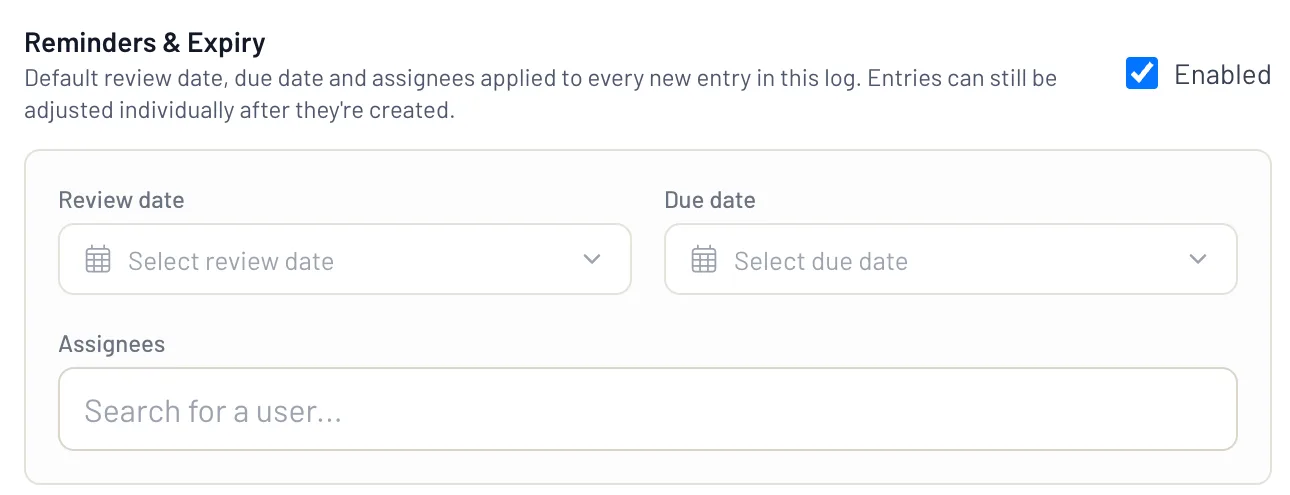
06Reminders and expiry
Attach a due date, a review date or reminders to any entry, so the follow-up is visible and durable rather than living in someone's inbox.
 07
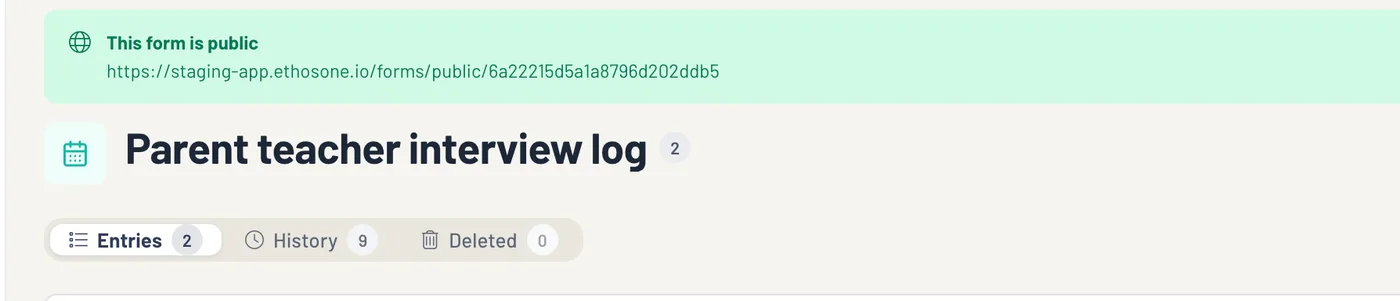
07Add a form to this log
From More actions, add an internal or public submission surface to an existing log, copy the link, test it and disable it when done. On a public form an unauthenticated submitter sees only the fields you have made public and never receives internal entry or history data; every submission lands as a linked entry.
 08
08One pattern, many assurance needs
Schools use governed logs and forms for incident and concern reporting, control attestations, inspections and checks, policy exceptions, compliance evidence, remediation tracking, duty-of-care records, and review and registration evidence. The exact fields and workflow reflect your school's requirements.
 09
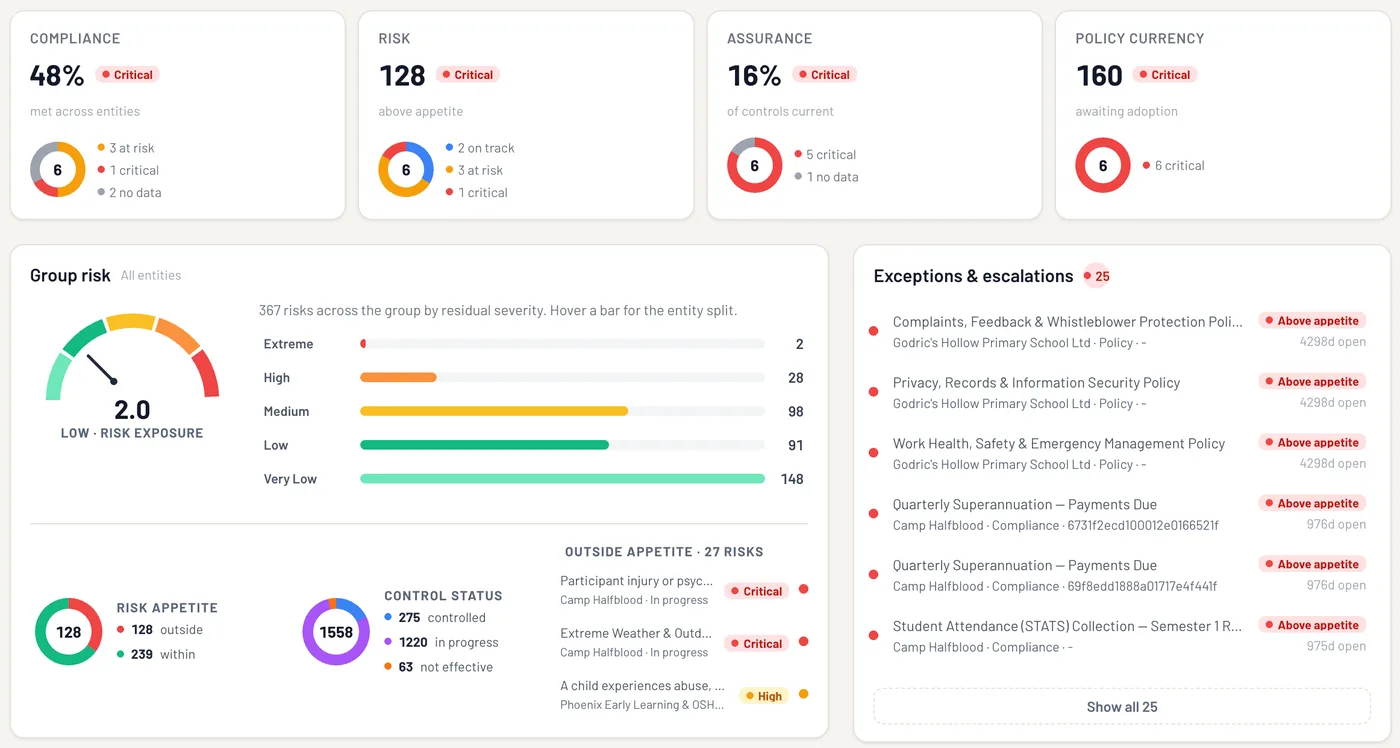
09A log becomes assurance when it informs oversight
Collecting entries is not the final outcome. EthosOne connects evidence to the relevant risk, obligation, control or governance question, so material exceptions reach executives or the board without exposing every operational detail.
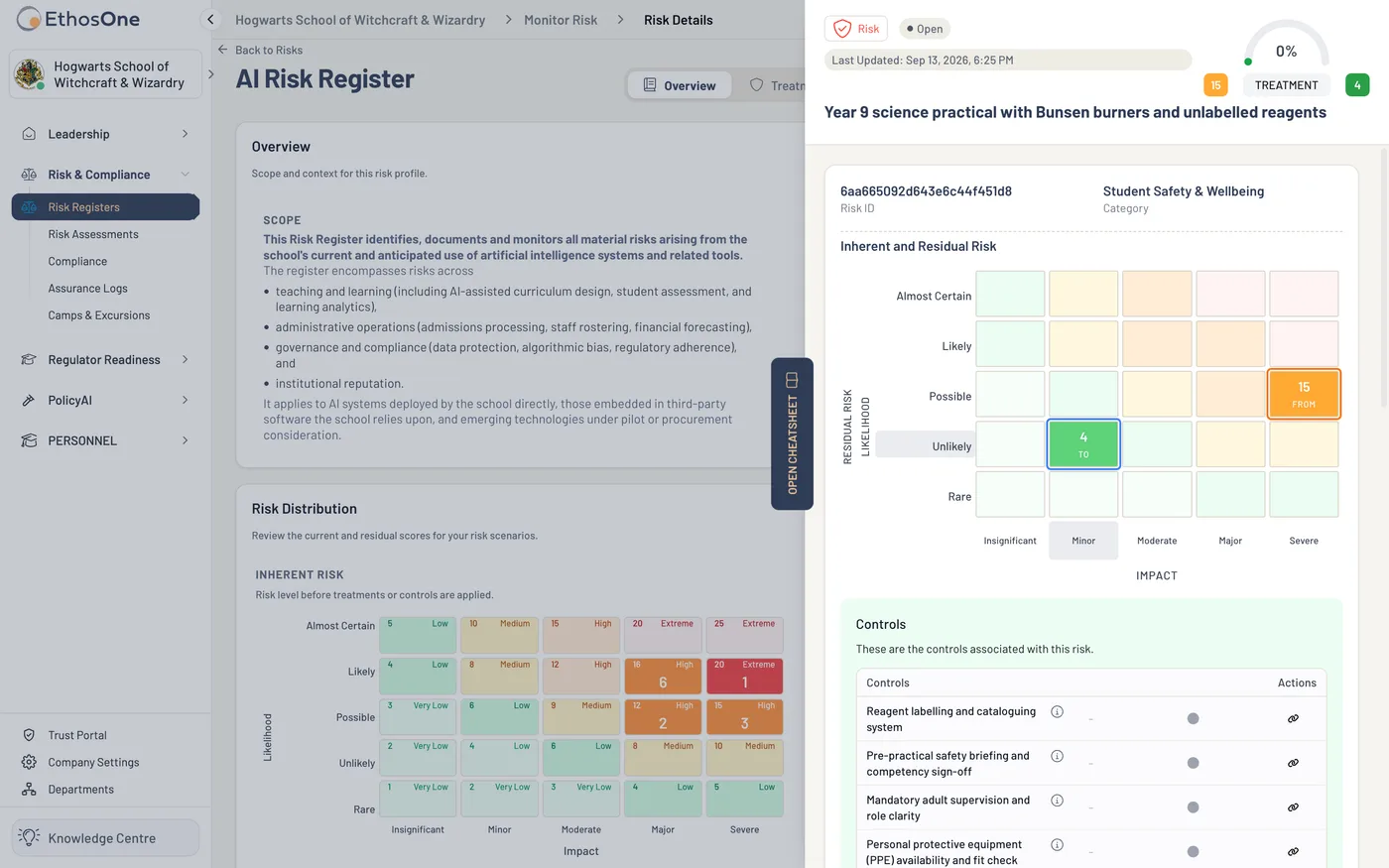
Assurance Logs is the capture layer of the accountability spine. A control in the risk register is evidenced by entries logged here, a compliance item points to a log as its proof, a risk assessment or excursion records what happened, and the registration criteria draw on these registers when the assessor asks.
The helper knows the purpose you have stated for a register and drafts around it: a schema starter and a field set for the administrator to review field by field, a profile description, a form introduction and, where you ask, a narrative field.
In review it summarises authorised entry patterns and writes a chronology of the history with a citation to each event. What stays with you: the helper cannot choose the audience for a log, infer who should have access, or invent an assurance conclusion.
Sovereign frontier AI, hosted in Sydney and Melbourne.What it does not do
- It does not claim that a generic log entry is a complete assurance engagement; findings, management responses and independent closure are a separate workflow.
- It does not expose confidential register content through a public form.
- It does not let a field-schema change make historical entries uninterpretable.
- Stored in AustraliaAWS Sydney and Melbourne, one database per school
- AI stays in the country tooHosted in Sydney and Melbourne; never trained on your content
- Published, not describedOur policies in the Trust Centre · How we handle your data
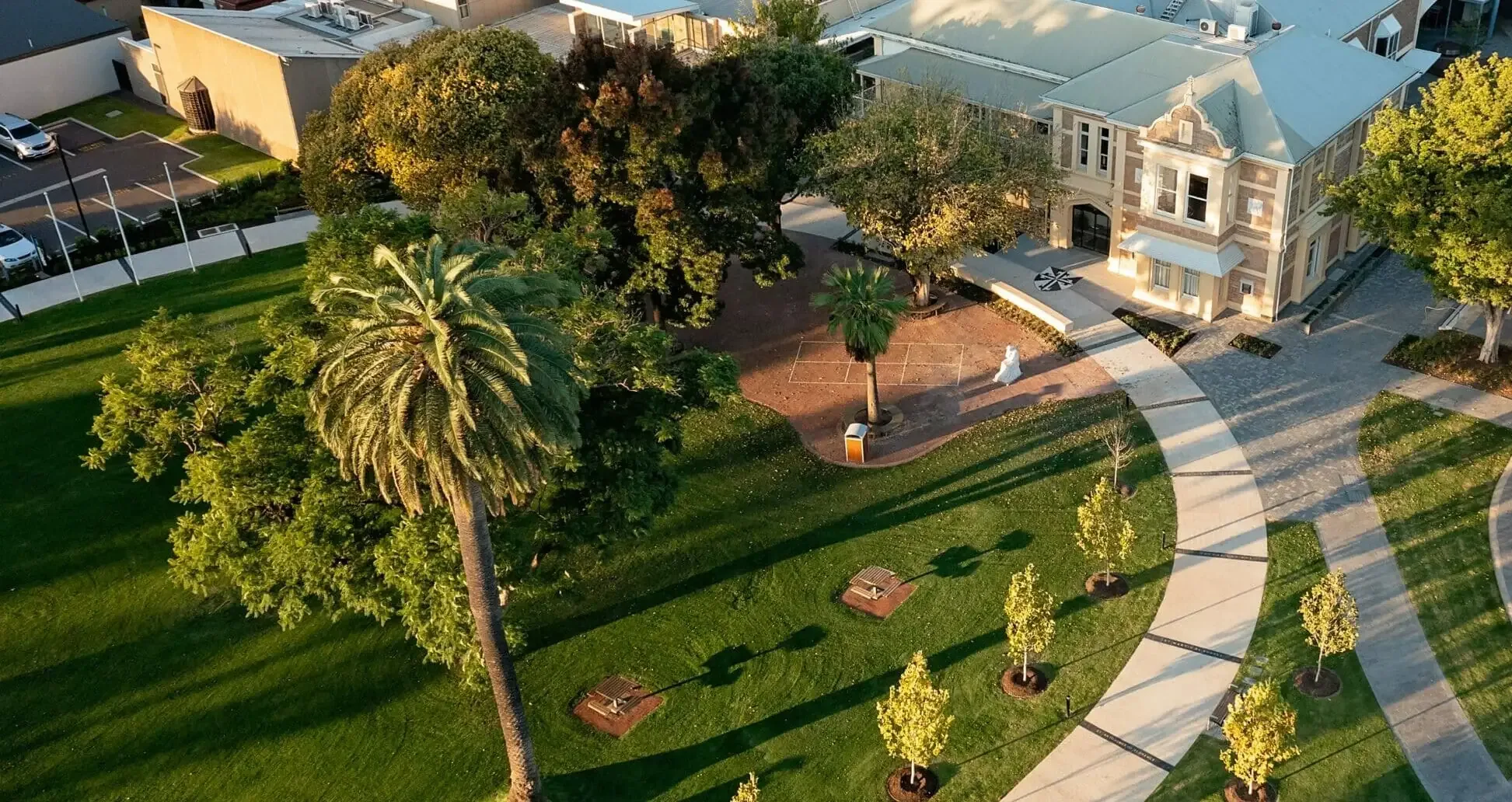
Blackfriars Priory School went from demo to live in under a month.
The eight we are asked every time.
Still weighing something up? Thirty minutes with us, on your own registers, answers the rest.
Book your school a demo01Do you provide incident management?
Yes. Critical incidents, near misses, WHS events and injuries each get their own assurance log: staff report from a phone through a form, the entry receives a stable identifier and a history of every edit, it is routed to an owner and tracked to closure, and it stands as evidence when a board, assessor or regulator asks. A public form on any log lets parents, contractors or visitors submit without seeing internal records.
02What is an assurance log, and what about a critical incident register?
An assurance log is a maintained register showing that a school's controls and obligations are operating, not only written down: the checks, observations and incidents, and how each was handled. A critical incident register is one such log, and in EthosOne each entry carries a stable identifier and a history of every edit, so it stands as evidence when a board, assessor or regulator asks.
03Is a spreadsheet enough for incident records?
A spreadsheet can hold the data but cannot prove it: any cell can be edited and nothing shows what changed, when or by whom. An EthosOne log records the actor, time and before and after values on every edit.
04Can parents or contractors submit a form without a login?
Yes. Add a public form to the log and share the link; the submitter sees only the fields you have made public, and their submission becomes a linked entry in the log.
05Does an assurance log give us independent assurance?
No, and EthosOne will not pretend it does. A log structures evidence and history; an engagement with findings, management responses and independent closure is a different workflow, and the module keeps the two distinct.
06Can staff report an incident from a phone without reception?
Staff report from a phone through a form, and the entry lands in the log with its attachments and is routed to an owner. Offline capture, holding a report on the phone until reception returns, is a question for our team: tell them which of your sites lose reception and they will confirm what happens there.
07What happens after someone reports an incident?
Critical incidents, near misses and assurance logs are captured once, routed to an owner, tracked to closure and held as evidence. Staff report from a phone.
The register updates itself rather than waiting for someone to transcribe a form. Nothing sits in an inbox as the last anyone sees of it.
Because the log sits on the same spine as the risk register, a pattern of near misses shows up against the control it belongs to rather than in a separate spreadsheet.
08Risk and Compliance, in full: what does it cover?
A governance or assurance lead builds a log profile with required and optional typed fields, chooses whether it runs as an internal Assurance Log or a public Form, and staff add entries that each receive a profile-derived identifier and a history of every edit. Assurance Logs is part of the Risk and Compliance Focus module.

What are the AI paragraphs you are currently missing from your policies? Watch how we do it.
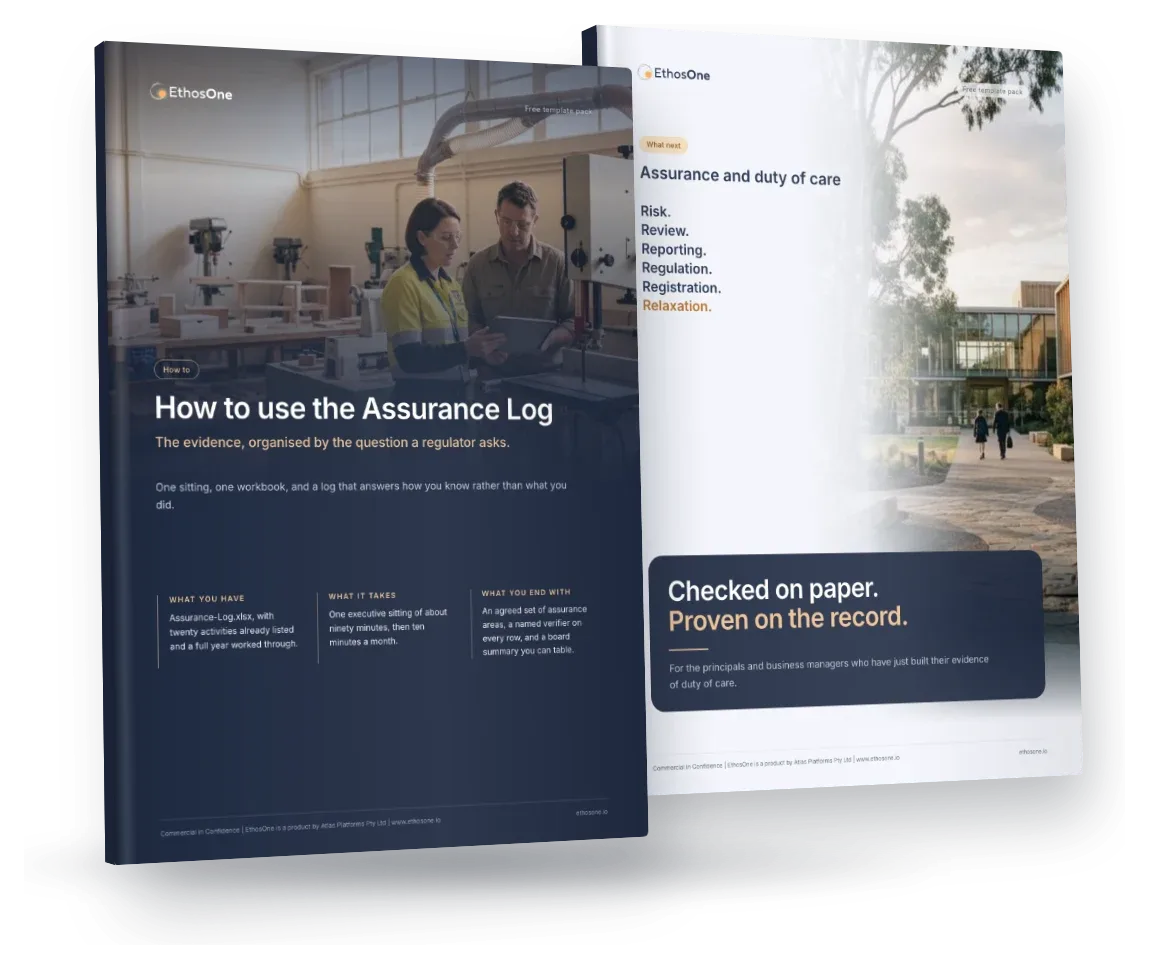
Free, under ten minutes, and yours to keep whether or not you talk to us.
More free templates and tools
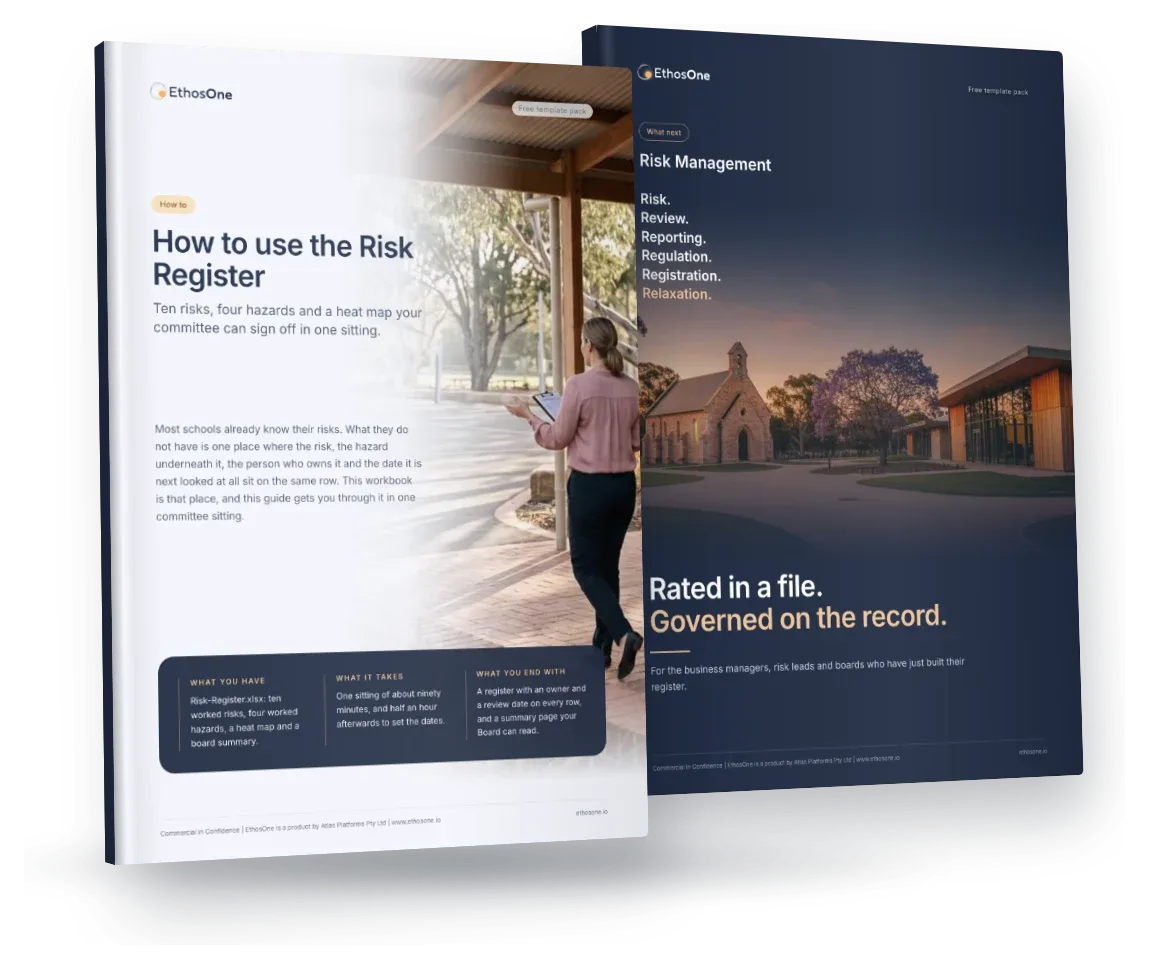
Risk Register
Free Risk Register for independent schools: Risk-Register.xlsx with a worked example, a four-page How-to and the What-next brochure for EthosOne Risk Management. Risks and hazards in one workbook, linked.
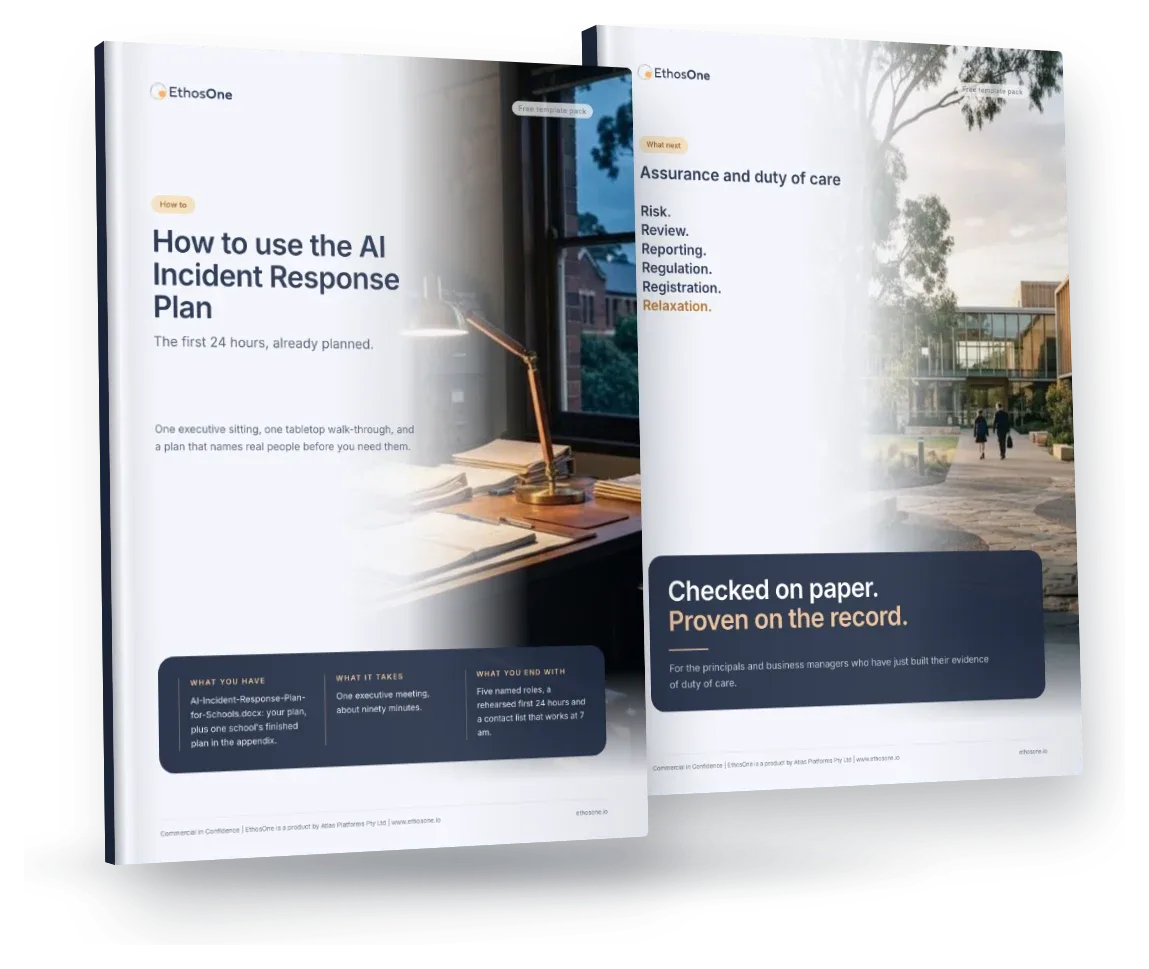
AI Incident Response Plan
Free AI Incident Response Plan for independent schools: AI-Incident-Response-Plan-for-Schools.docx with a worked example, a four-page How-to and the What-next brochure for EthosOne Assurance. The first 24 hours, already planned.

Turn operational recordsinto governed evidence.
Risk and Compliance: $5,000 a year with no per-user fees.